

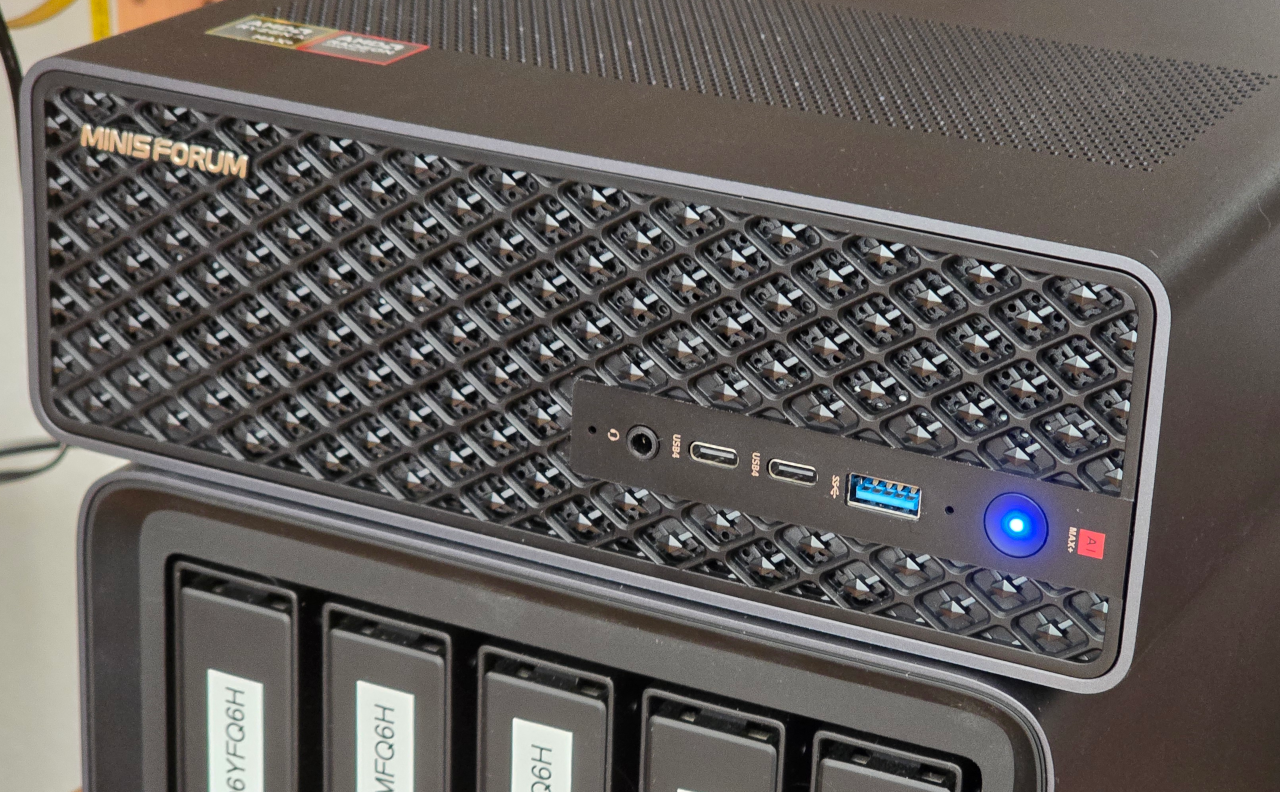
How I run Ollama on the last addition to my homelab, the MS S1 Max from Minisforum featuring the Strix Halo processor from AMD, 128Gb unified memory and 2 SFP+ 10Gbe network interfaces.
NixOS
Being a long time Debian user, I want to try out this declarative and reproductible system NixOS.
Install base system
After installing NixOS with just console, I added a few packages, starting by ssh.
Extract from /etc/nixos/configuration.nix:
  environment.systemPackages = with pkgs; [
    amdgpu_top
    bmon
    htop
    nvd
    tmux
    vim
  ];
Configure Ollama
Add a dedicated confuration file in /etc/nixos, /etc/nixos/ollama.nix:
{ config, pkgs, ... }:
{
  boot.kernelParams = [
    "amd_iommu=off"
  ];

  hardware.graphics = {
    enable = true;
    extraPackages = [ pkgs.rocmPackages.clr ]; # or rocmPackages.clr.icd
  };

  services = {
    ollama = {
      enable = true;
      host = "0.0.0.0";
      package = pkgs.ollama-rocm;
      rocmOverrideGfx = "11.5.1";
      environmentVariables = {
        # Hopefully helps with offloading layers to GPU, it didn't
        HSA_ENABLE_SDMA = "0";
        OLLAMA_DEBUG = "1";
      };
    };
    open-webui = {
      enable = true;
      host = "0.0.0.0";
    };
  };
  networking.firewall.allowedTCPPorts = [
    8080 # open-webui
    11434 # ollama
  ];
}
The add it to the imports list in /etc/nixos/configuration.nix:
  imports =
    [ # Include the results of the hardware scan.
      ./hardware-configuration.nix
      ./ollama.nix
    ];
The ollama suite from last NixOS release (25.11) is not recent enought to support the Strix Halo chip. So we need to switch the channel to nixos-unstable
sudo nix-channel --add https://nixos.org/channels/nixos-unstable nixos
Then you can apply the new configuration
sudo nixos-rebuild build
sudo nixos-rebuild switch
Configure BIOS
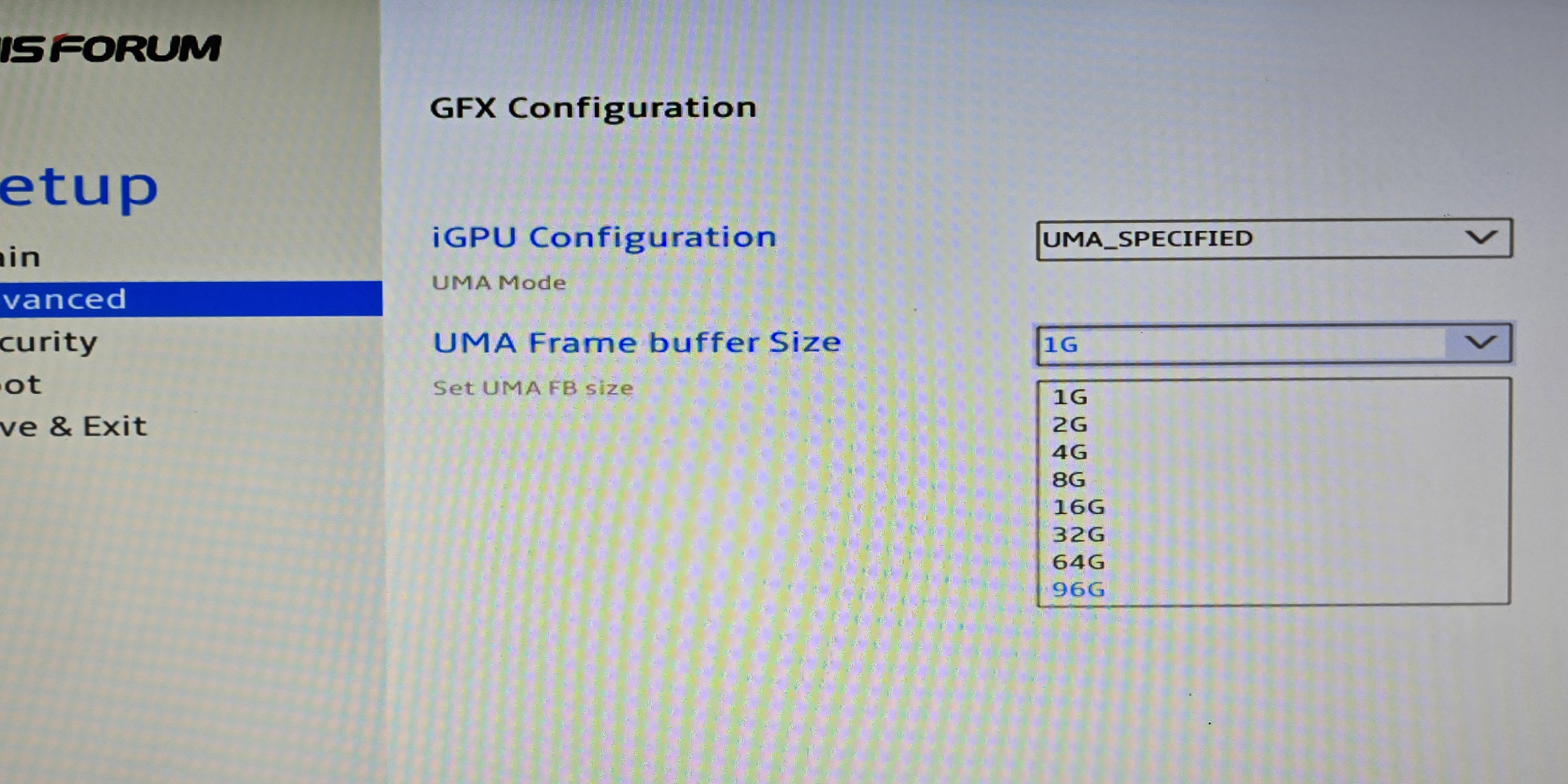
In the BIOS, adjust the memory allocated to the GPU to the maximum possible.
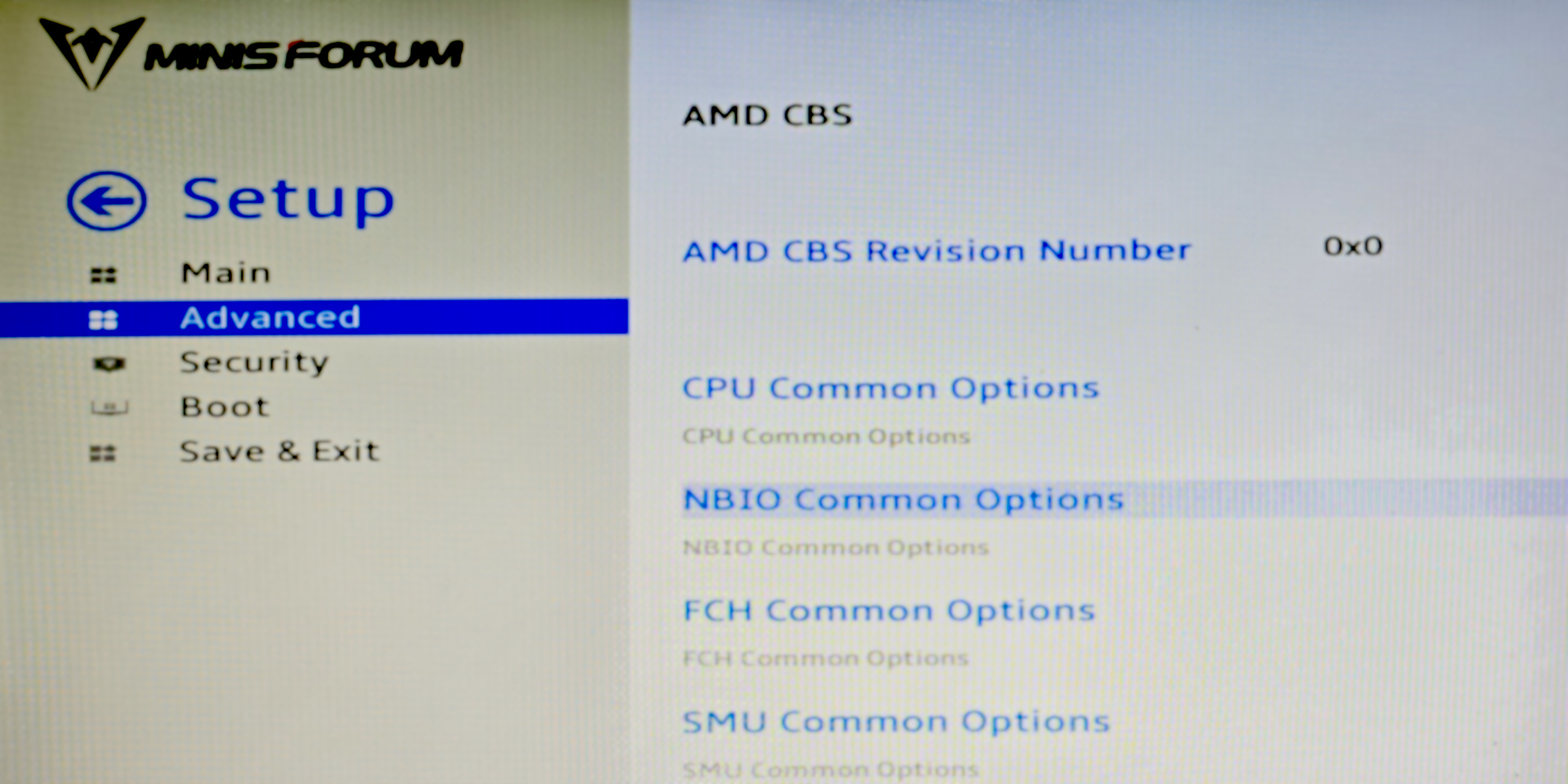
Go to Setup -> Avanced -> AMD CBS -> NBIO Common Options
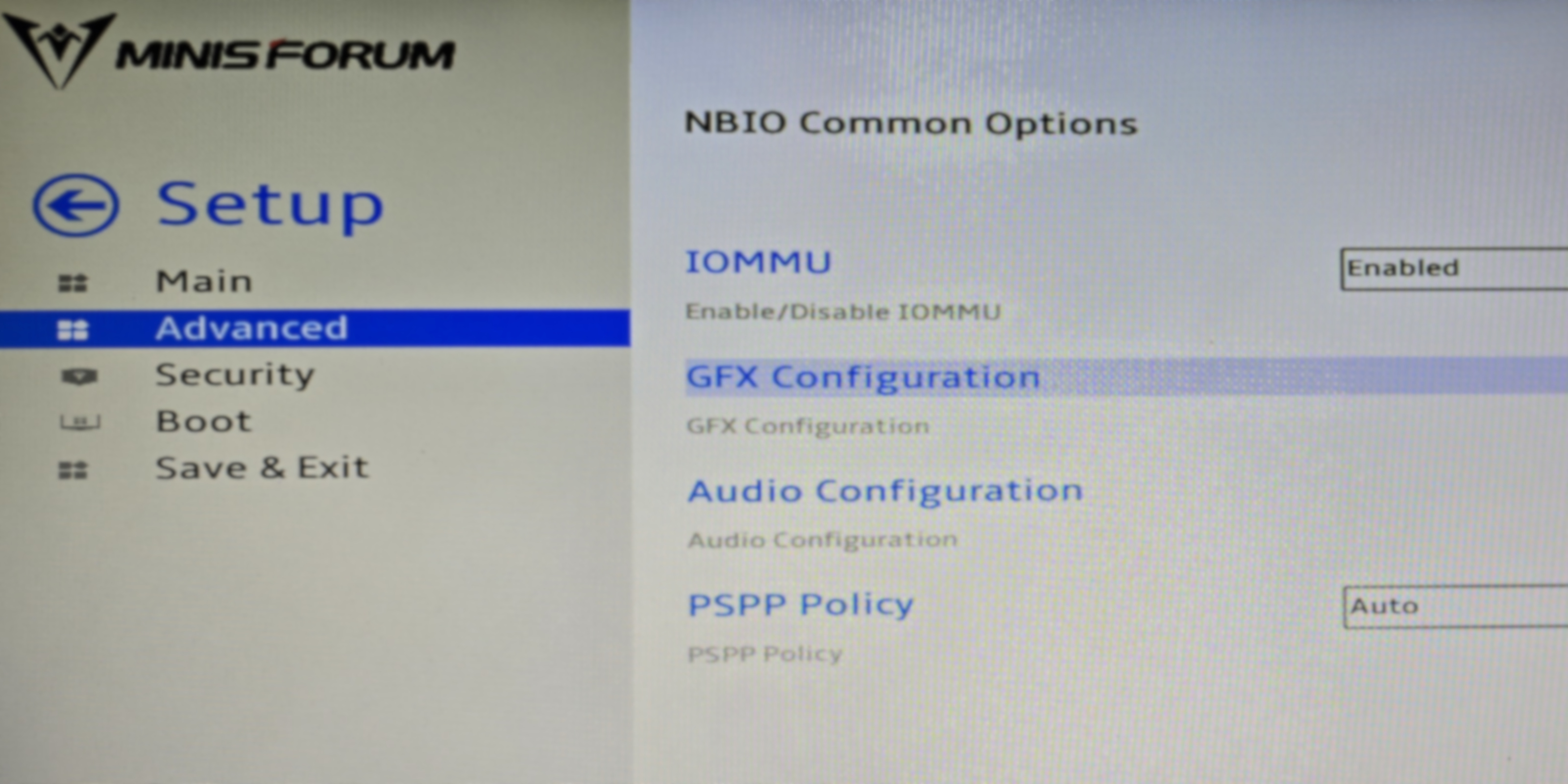
Then go to GFX Configuration
Set the iGPU Configuration to UMA_SPECIFIED and UMA Frame Buffer Size to 96G
After reboot
Once the server is restarted, the Open WebUI is reachable on the local network.
Once you’ve created your account, it is ready to answer your questions.
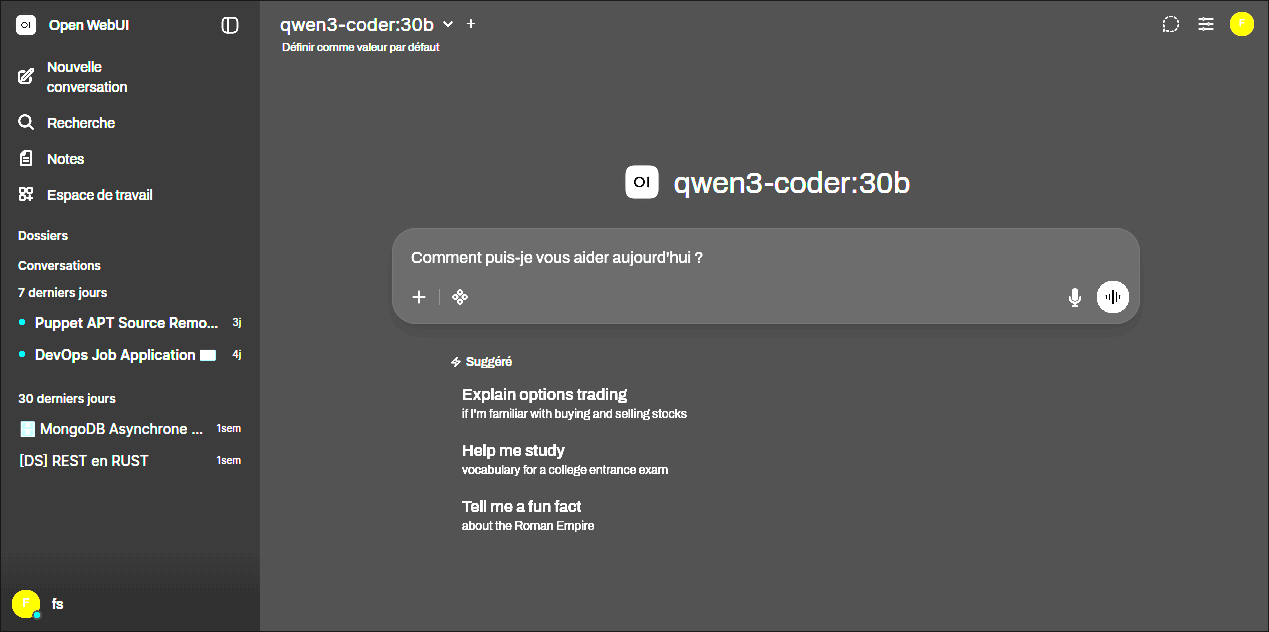
Using from VS Code with Continue
Install the Continue extension

The Continue configuration is located on ~/.continue/config.yaml. Here is an example, adjust the apiBase to use the proper IP address or DNS name:
name: Local Config
version: 1.0.0
schema: v1
models:
  - name: Phi25 / qwen3-coder:30b
    provider: ollama
    model: qwen3-coder:30b
    apiBase: http://192.168.1.175:11434
    roles:
      - autocomplete

  - name: Phi25 / llama3.1:70b
    provider: ollama
    model: llama3.1:70b
    apiBase: http://192.168.1.175:11434
    roles:
      - chat
      - edit
      - apply
      - rerank

  - name: Phi25 / deepseek-r1:70b
    provider: ollama
    model: deepseek-r1:70b
    apiBase: http://192.168.1.175:11434
    roles:
      - chat
      - edit
      - apply
      - rerank

  - name: Phi25 / nomic-embed-text:latest
    provider: ollama
    model: nomic-embed-text:latest
    apiBase: http://192.168.1.175:11434
    roles:
      - embed
NixOS daily maintenance
Update the nix channel
With the nix-channel command:
$ sudo nix-channel --update
unpacking 1 channels...
System update
Use the nixos-rebuilt tool:
$ sudo nixos-rebuild switch --upgrade-all
unpacking 1 channels...
building the system configuration...
Checking switch inhibitors... done
activating the configuration...
setting up /etc...
reloading user units for fs...
restarting sysinit-reactivation.target
the following new units were started: NetworkManager-dispatcher.service, sysinit-reactivation.target, systemd-tmpfiles-resetup.service
Done. The new configuration is /nix/store/d16bjpag96anwq8sqz1a4gn3apymfly1-nixos-system-phi25-26.05pre995699.da5ad661ba4e
Check the difference between generations
Nvd is the Nix/NixOS package version diff tool, and it is easy to use
user$ nvd diff /nix/var/nix/profiles/system-{15,17}-link
<<< /nix/var/nix/profiles/system-15-link
>>> /nix/var/nix/profiles/system-17-link
Version changes:
[U.]  #01  initrd-linux                         7.0.3 -> 7.0.5
[U.]  #02  libplacebo                           7.351.0 -> 7.360.1
[U.]  #03  linux                                7.0.3, 7.0.3-modules x2 -> 7.0.5, 7.0.5-modules x2
[U.]  #04  mesa                                 26.0.6 -> 26.1.0
[U.]  #05  nixos-system-phi25                   26.05pre992384.549bd84d6279 -> 26.05pre995699.da5ad661ba4e
[U*]  #06  ollama                               0.22.1 x2 -> 0.23.1 x2
[U.]  #07  open-webui                           0.9.2 -> 0.9.4
[U.]  #08  open-webui-frontend                  0.9.2 -> 0.9.4
[U.]  #09  python3.13-anthropic                 0.94.0 -> 0.97.0
[U.]  #10  python3.13-av                        16.1.0 -> 17.0.1
[U.]  #11  python3.13-langchain-classic         1.0.3 -> 1.0.4
[U.]  #12  python3.13-langchain-core            1.2.27 -> 1.3.2
[U.]  #13  python3.13-langchain-text-splitters  1.1.1 -> 1.1.2
[U.]  #14  python3.13-langgraph                 1.1.6 -> 1.1.10
[U.]  #15  python3.13-langgraph-checkpoint      4.0.2 -> 4.0.3
[U.]  #16  python3.13-langgraph-prebuilt        1.0.9 -> 1.0.12
[U.]  #17  python3.13-langsmith                 0.7.32 -> 0.7.37
[U.]  #18  python3.13-pycrdt                    0.12.50 -> 0.13.0
Added packages:
[A+]  #1  amdgpu_top                      0.11.4
[A+]  #2  nvd                             0.2.4
[A.]  #3  python3.13-langchain-protocol   0.0.12
[A.]  #4  python3.13-starsessions-.2.2.0  <none>
[A.]  #5  wayland-protocols               1.48
Removed packages:
[R.]  #1  python3.13-starsessions  2.2.1
Closure size: 1405 -> 1409 (103 paths added, 99 paths removed, delta +4, disk usage +413.7MiB).